GST credit · for Indian businesses
Know which GST credit is yours before you file.
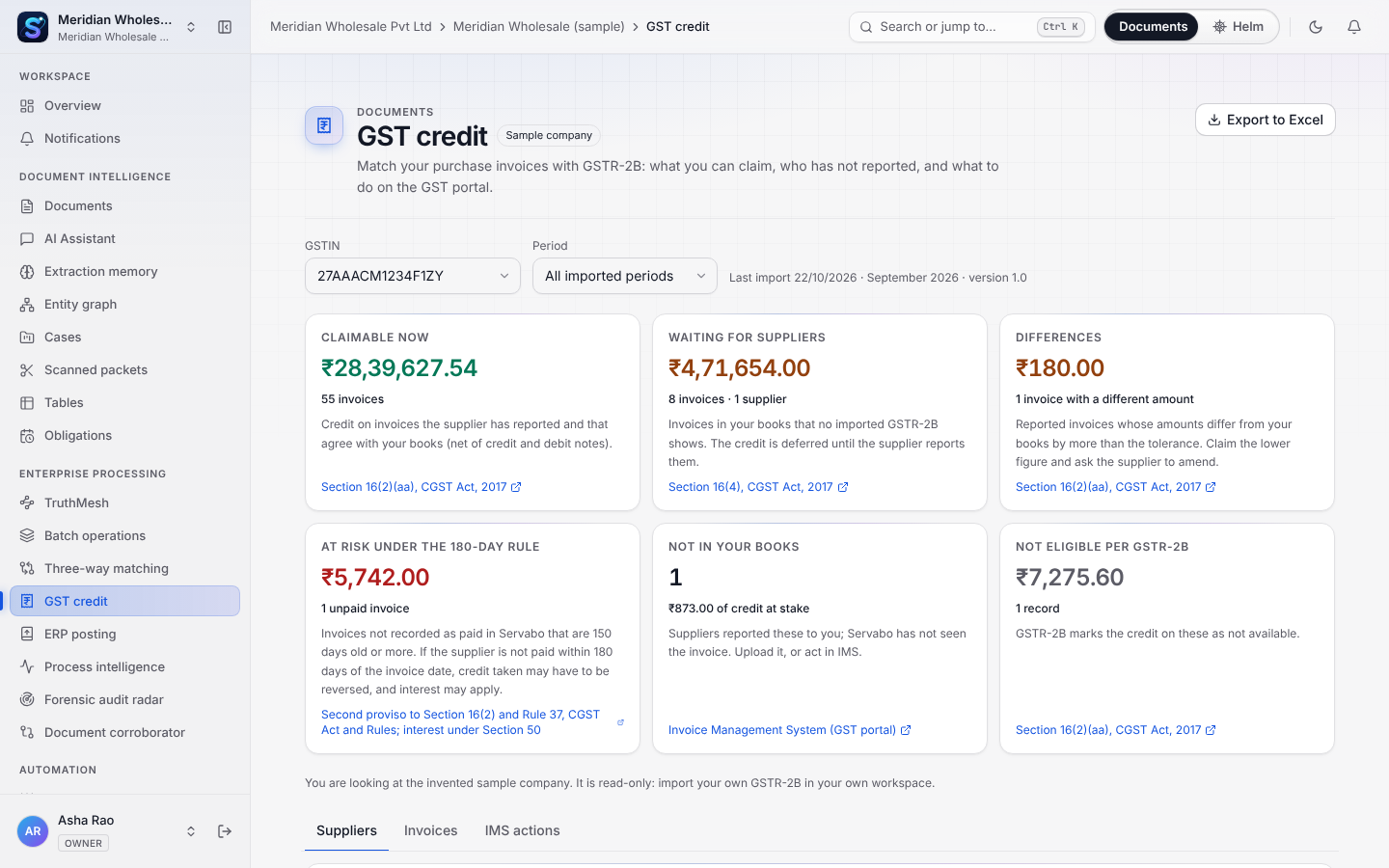
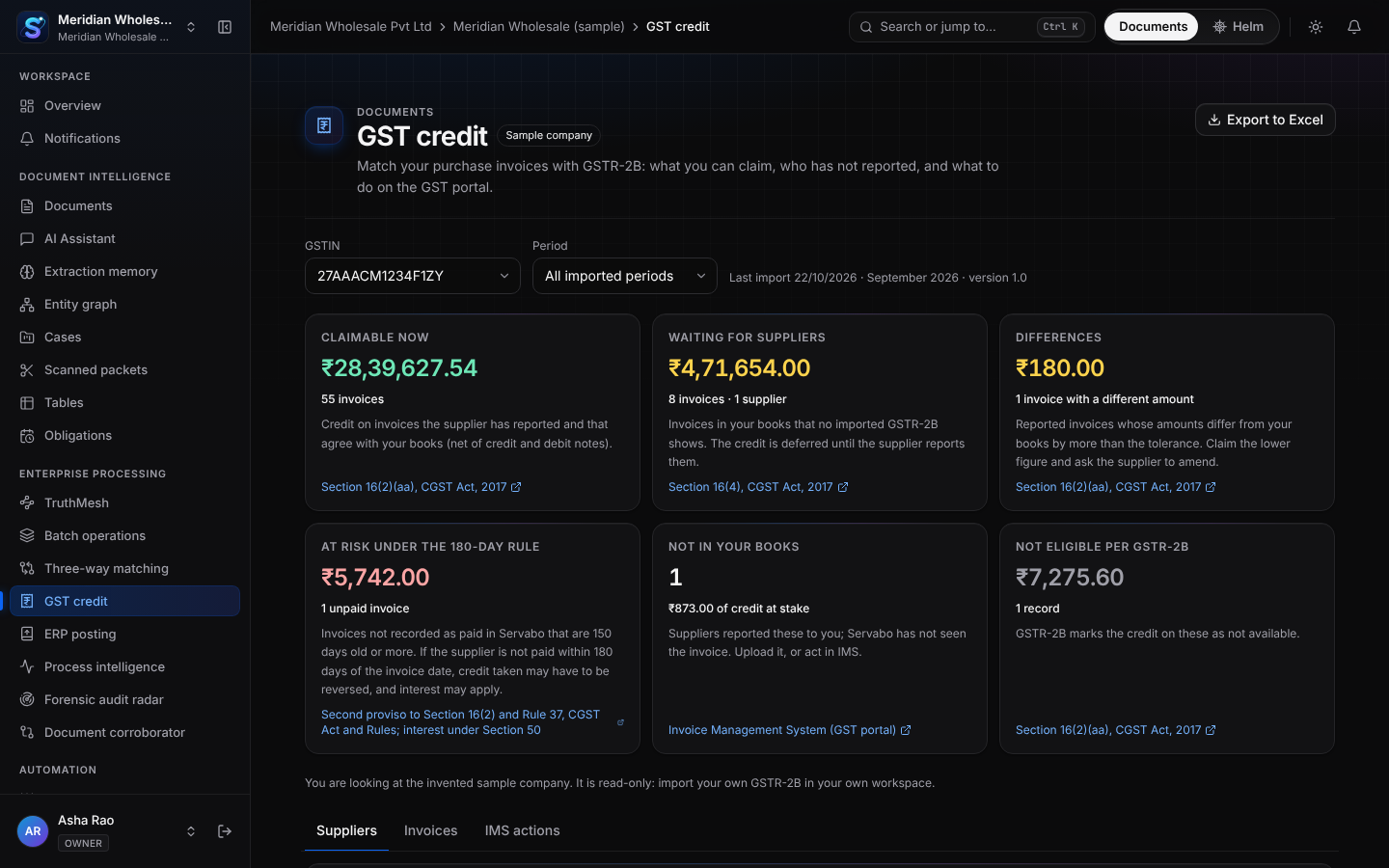
Import your GSTR-2B. Servabo matches it with the purchase invoices it has already read, and shows what you can claim, what a supplier has not reported, and which unpaid invoices are nearing the 180-day limit.
Recommendations, not tax advice. The sample company has a GSTR-2B you can open during the 14-day trial.
The problem, in rupees
A supplier’s silence costs you the credit.
An example of the arithmetic, not a customer result: a purchase invoice of INR 1,00,000 with 18% GST carries INR 18,000 of input tax credit. You can claim it only if the supplier reported the invoice, so that it shows in your GSTR-2B (Section 16(2)(aa) of the CGST Act). If it does not show, the credit waits.
Paying is not the end of it. If the supplier is not paid within 180 days of the invoice date, the credit taken is added back, with interest (second proviso to Section 16(2), Rule 37 and Section 50). Finance teams compare the statement with their books by hand in Excel, and the invoices that fall between the two are the ones that cost money.
How it works
From the portal’s file to a list of what to do.
- 01
Import your GSTR-2B
Download the GSTR-2B JSON from the GST portal (Returns Dashboard, GSTR-2B, Download) and drop it in, or a zip that holds it. Import as many months as you like; a month imported twice is replaced, never counted twice.
- 02
Servabo has already read your invoices
Nobody types a purchase register. The invoices your team uploaded are read with the page every field came from, including the supplier’s GSTIN, the taxable value and each tax head.
- 03
Each invoice is matched, one to one
A document matches at most one record in GSTR-2B and the other way round. Exact matches use the IRN or the supplier’s GSTIN with the document number; a close one is only suggested and waits for a person.
- 04
You act on what is left
See what is claimable, what differs, which suppliers have not reported, and what the supplier reported that you do not have. Draft a reminder to a supplier, export to Excel, and make your choices in the portal.
Every invoice has a status
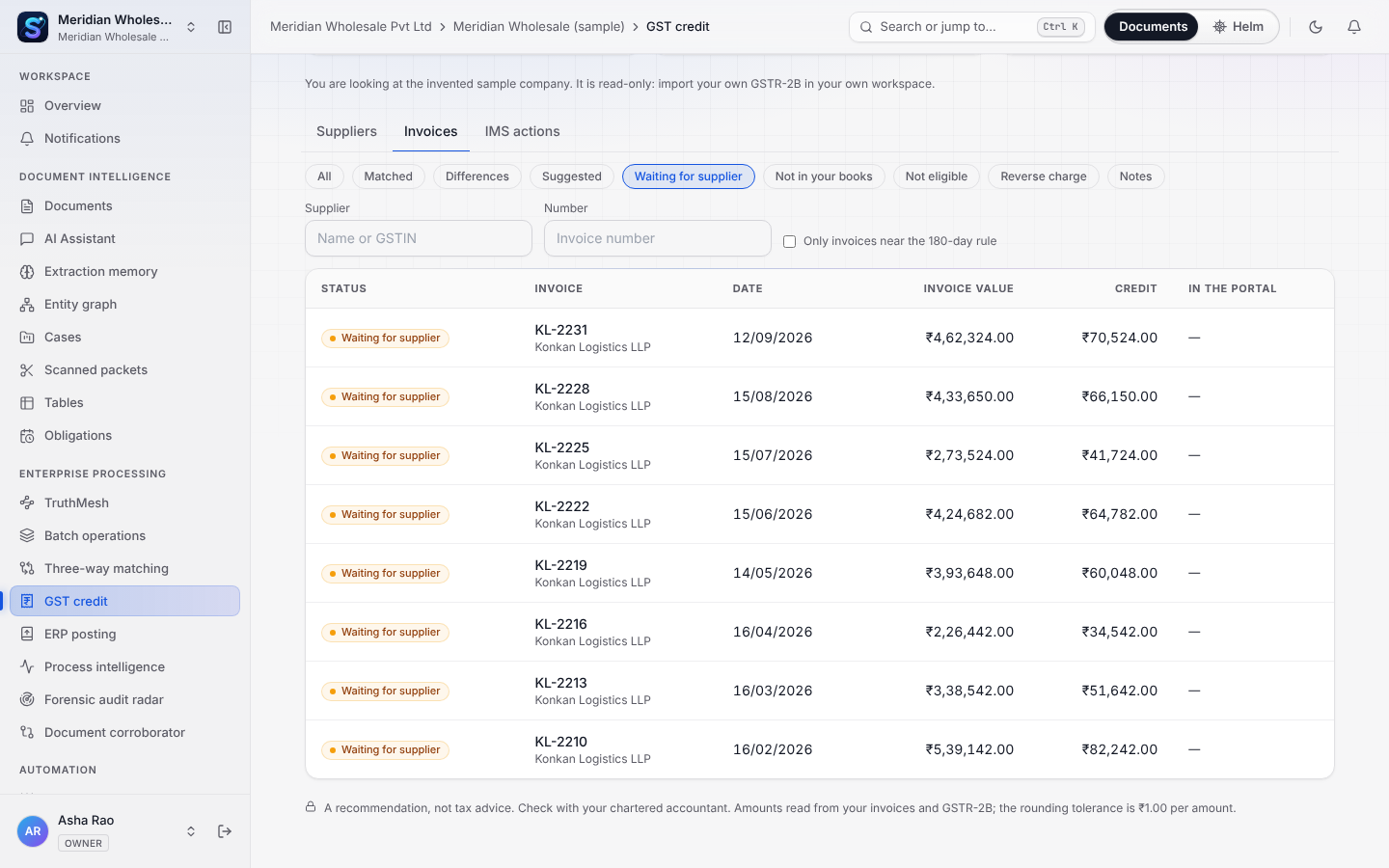
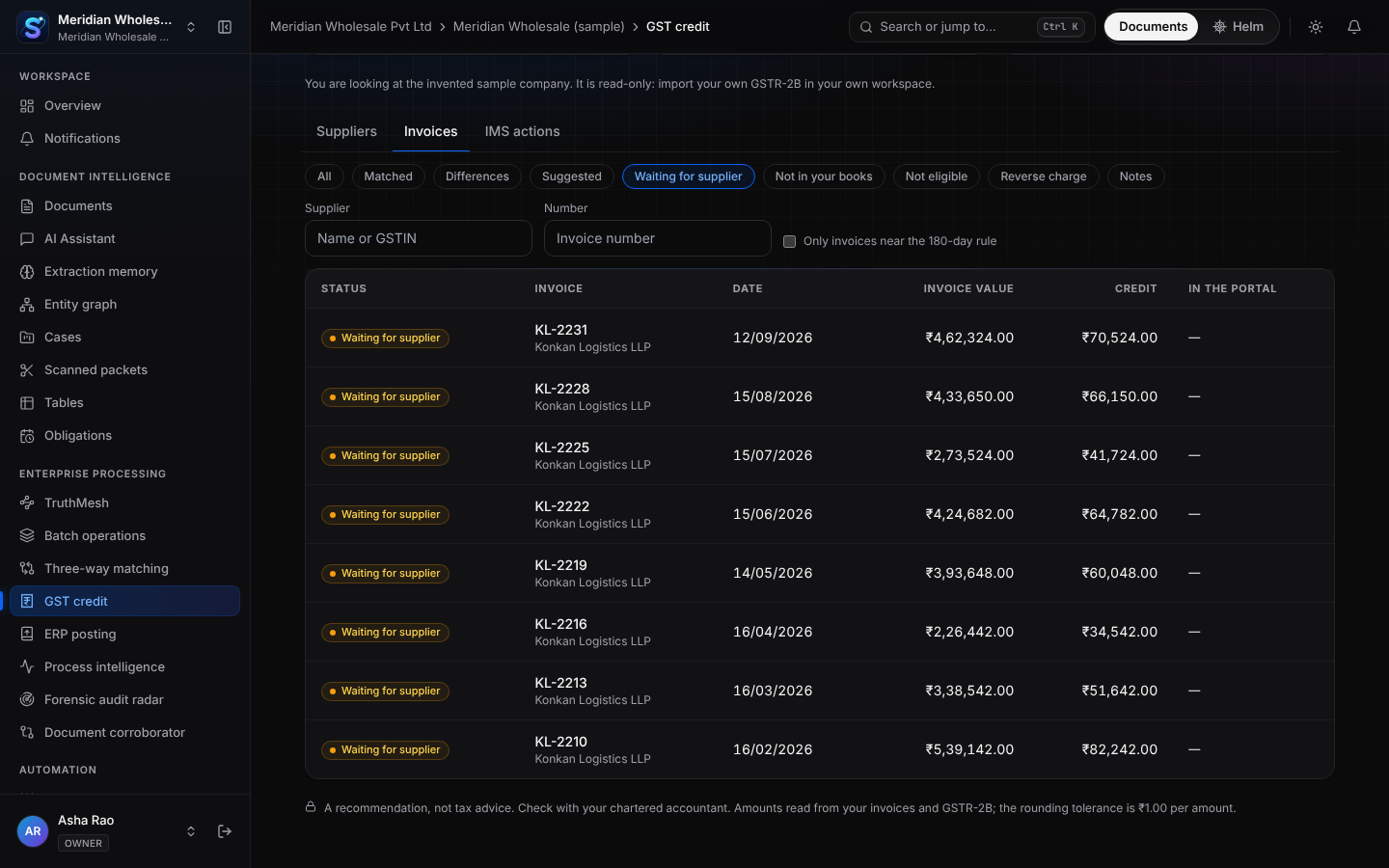
Six answers, each with its reason.
- Matched
- Reported by the supplier and the same as your books: claimable.
- Matched with differences
- Reported, but an amount differs. Claim the lower figure and ask the supplier to amend.
- Waiting for supplier
- In your books and in no GSTR-2B you imported. The credit is deferred until the supplier reports it.
- Not in your books
- The supplier reported it and Servabo has no matching invoice: upload it, or deal with it in the portal.
- Not eligible
- GSTR-2B itself says the credit is not available, with the reason code as the portal gives it.
- Suggested
- A probable match that is never confirmed automatically. A person decides.
Invoice Management System
What to do in the portal, and why.
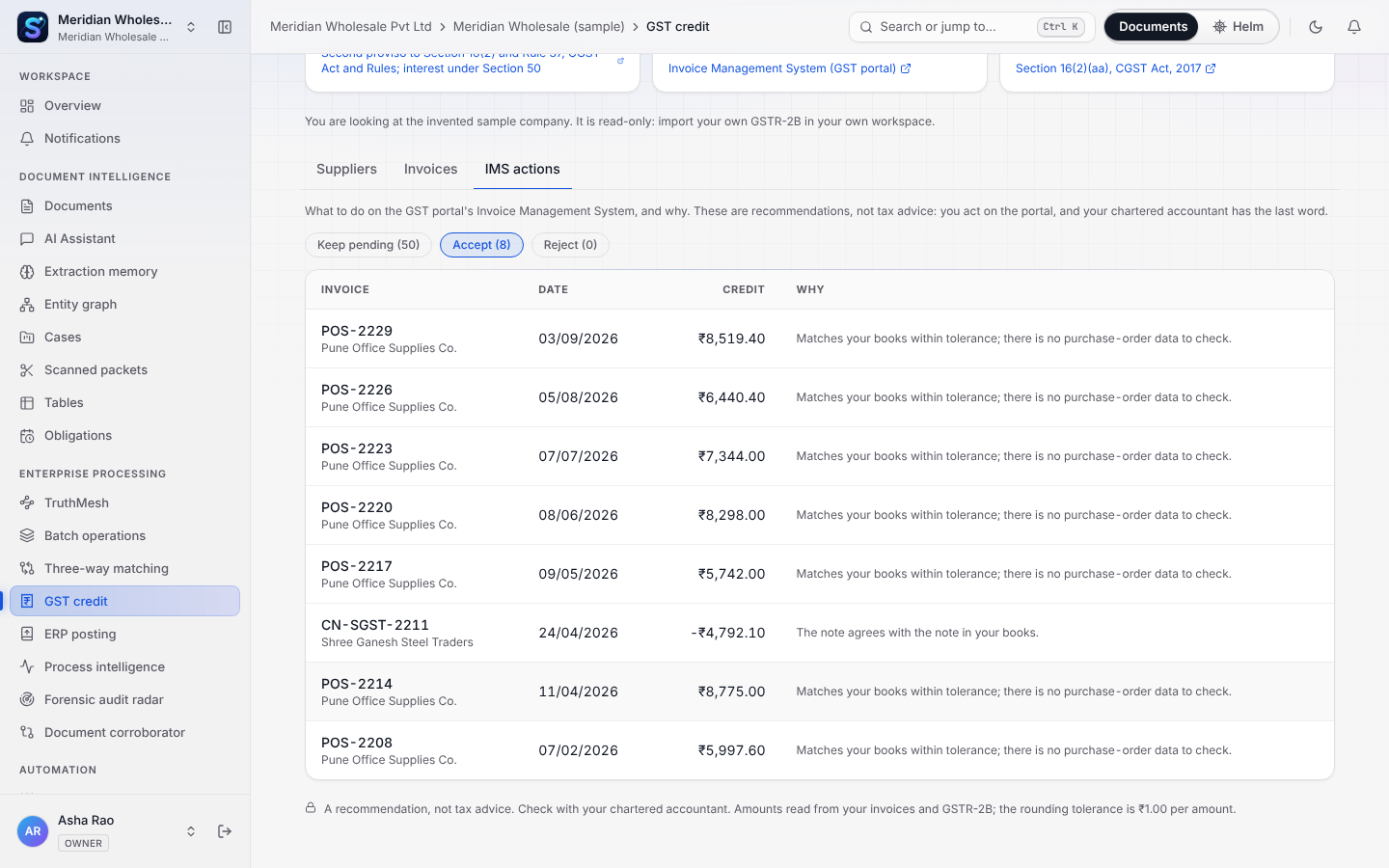
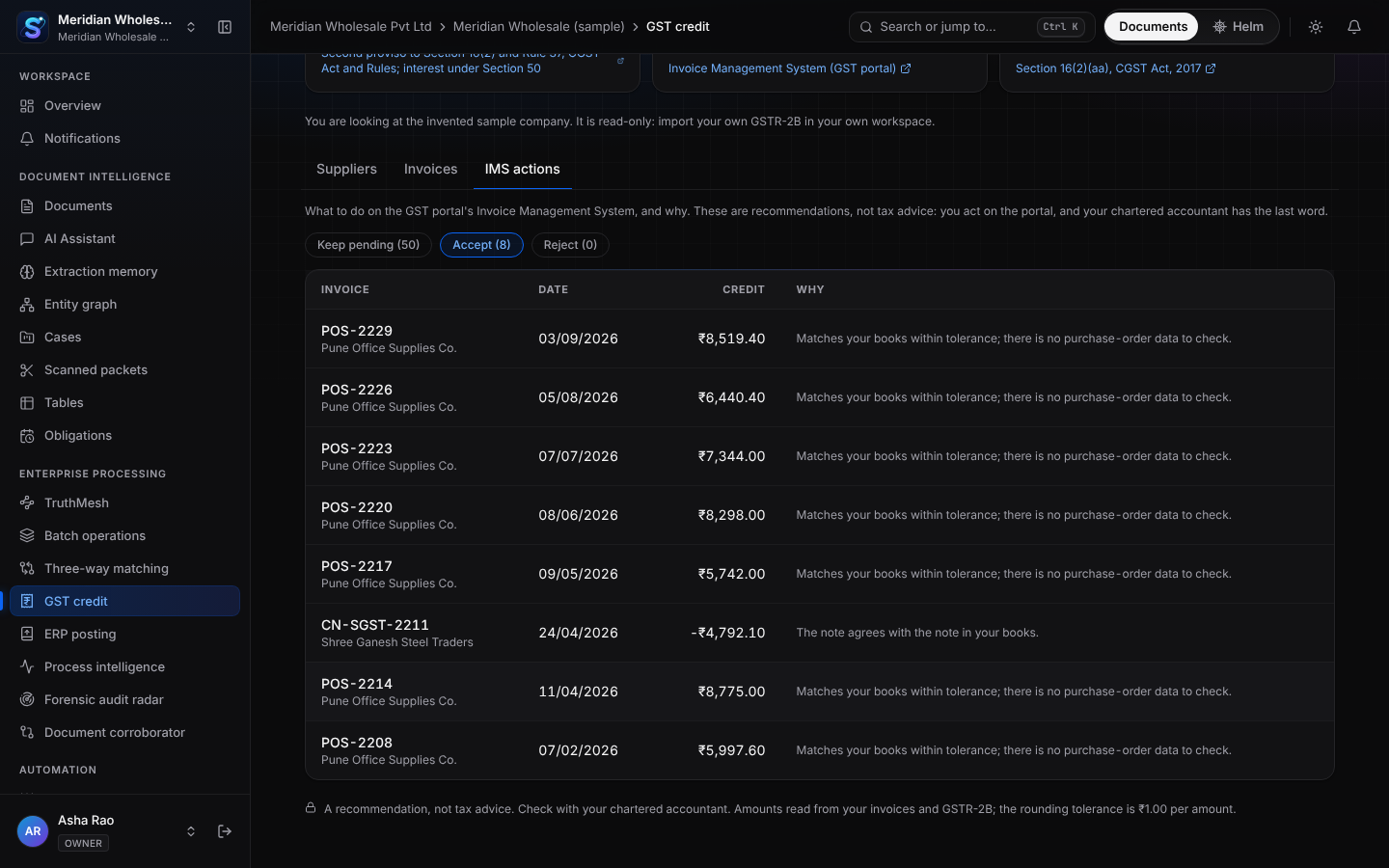
Since October 2024 the portal lets you accept, reject or keep pending each record a supplier reported before you file GSTR-3B. Servabo recommends one of the three for each record and gives the reason. You make the choice on the portal; Servabo never does it for you.
- Accept · The record matches an invoice you have: nothing more to do.
- Pending · The record is probably yours but something is unresolved: an amount differs, or the invoice is not here yet.
- Reject · The record is not yours, or it is wrong in a way the supplier must fix.
Where it is included
A preview on every plan; everything on Business and Enterprise.
Every plan
- Import GSTR-2B files
- The six figures and how many invoices are behind each
- The sample company’s full reconciliation, to look at
Business and up
Business and up- The supplier list, the invoice list and the side-by-side view
- IMS recommendations and your decisions, kept across imports
- Excel export and supplier reminders
- The 180-day exposure from Helm’s payment records
- Recoveries: each waiting invoice gets an owner and is closed only when a later GSTR-2B carries it, counted as credit secured
Enterprise
Enterprise only- One reconciliation for a GSTIN across every workspace that holds its purchases
- An organization page for owners, admins and billing
- API keys that can read the summary and records
On Starter, add GST Credit for ₹1,499 a month or ₹14,990 a year, GST extra ($49 or $490 outside India). One price for the whole organization, not per user.
From the same price list as the pricing page.
The rules, with their sources
Read the law itself.
- Credit only on invoices the supplier reported: Section 16(2)(aa), CGST Act, 2017. CGST Act, CBIC
- The 180-day rule and its interest: second proviso to Section 16(2), Rule 37 and Section 50. Input tax credit, CBIC
- Downloading GSTR-2B and using the Invoice Management System. GST portal tutorials
- Payment to micro and small suppliers: Section 15, MSMED Act, 2006. India Code
Servabo shows recommendations and decision support, not tax or legal advice. Check with your chartered accountant before you act.
Questions
Asked before importing a file.
Which file do I import?
The GSTR-2B JSON you download from the GST portal for a month, or a zip containing it. Servabo reads the invoice, credit-note and e-commerce sections and keeps the rest for the totals. If a file has a shape Servabo does not expect, it says so in words instead of dropping anything.
Is this tax advice?
No. Servabo recommends; a person acts on the portal and files. Check anything that matters with your chartered accountant. Each rule on this page cites its section and an official page.
Does Servabo file my return or connect to the GST portal?
No. It does not log in to the portal, file GSTR-3B or take any action in the Invoice Management System. You import a file you downloaded and you make the choices on the portal yourself.
What is not verified?
The file layout has been tested on invented files that follow the portal’s documented layout, not yet on a customer’s download. The 180-day figure depends on the payments Servabo knows about (Helm’s records and the bank statements you import). Interest is not calculated, and some financial years have special rules for the time limit in Section 16(4); the product says so where it matters.
What happens to the file and my invoices?
They stay in your workspace, isolated from every other organization, like any document you upload. GSTR-2B is read by deterministic code, not by an AI model. A supplier reminder is only a draft until a person sends it, and the sample company never sends anything.
Will Servabo tell me when something needs attention?
Yes, in the app and, on Mondays, in one email to owners, administrators and the billing role: only when there is something to report, never an empty summary. It says what is claimable now, which invoices are close to 180 days unpaid and which suppliers have not reported. A plan that shows only the headline figures gets one line about what the lists add. Switch it off in notification settings.
What does it cost?
Every plan can import a file and see the six figures; the sample company is there to look at during the 14-day trial. The supplier list, invoice list, IMS actions, Excel export and reminders come with Business and up. On Starter, add GST Credit for ₹1,499 a month or ₹14,990 a year for the whole organization, GST extra.
Read your first documents today.
A 14-day trial with no payment details. Bring a handful of real invoices and see what Servabo reads, matches and flags.